
Best Email Warm-Up Tools in 2026: Top 9 Picks Compared
Cold outreach in 2026 demands more caution than ever before. Google and Yahoo now enforce strict rules on bulk senders, rejecting mail that fails to meet authentication standards. A brand-new domain carries zero trust with mailbox providers, making every campaign vulnerable to the spam folder before it even begins. This is exactly why email warm-up tools have become essential infrastructure rather than an optional add-on.
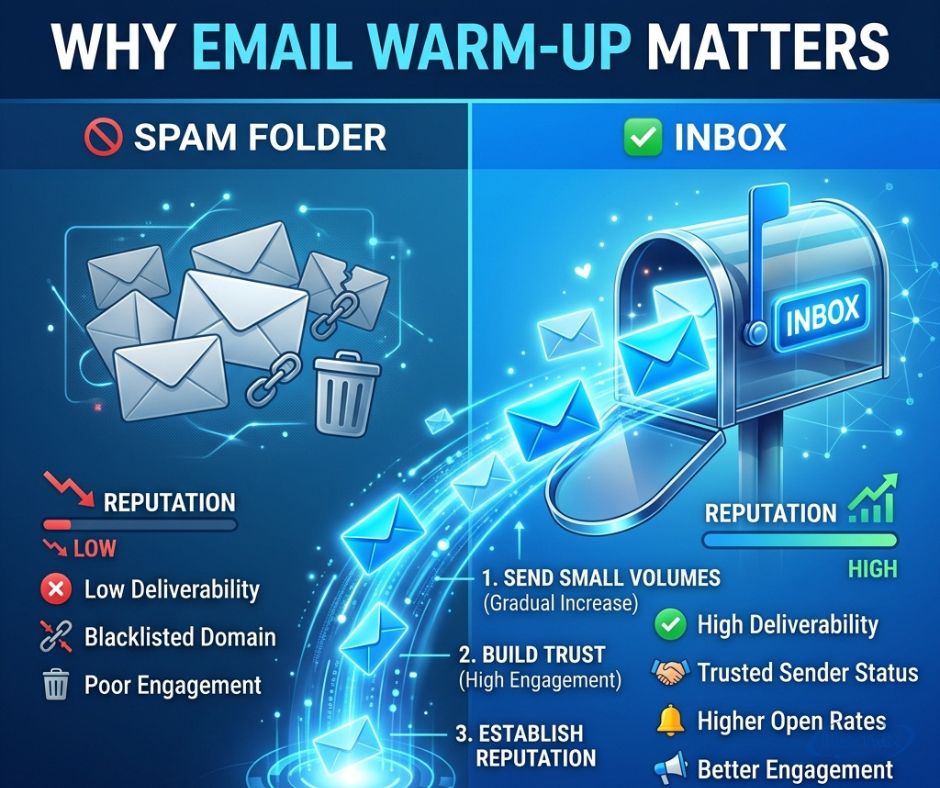
These platforms build sender reputation gradually, sending small batches of mail to real inboxes that open, reply, and rescue messages from spam filters. Over time, this steady engagement strengthens inbox placement and protects domain reputation across every future send, giving businesses a genuine shot at reaching the primary inbox instead of getting buried.
What is Email Warm-Up and Why Does It Matter?
Email deliverability depends on trust. A brand-new inbox has no track record with Gmail or Outlook, so providers treat sudden volume as suspicious. Email warm-up tools solve this by sending small batches of mail to real accounts that open, reply, and rescue messages from the spam folder. Over time, this builds sender reputation and improves inbox placement for every message that follows.
Google’s 2024 policy update changed the stakes for cold email outreach. Any sender pushing past 5,000 messages daily to Gmail must now meet a 0.3% spam rate ceiling, backed by proper email authentication. Warm-up will not fix broken SPF records or rescue a dirty list. It works alongside authentication and list cleaning, not instead of them.
How We Tested & Ranked These Email Warm-Up Tools
Every tool on this list was judged against four factors that actually predict results. First, the size and quality of the inbox network, since replies from active accounts matter more than opens from throwaway addresses. Second, the depth of engagement each platform generates, measured through spam recovery rather than surface-level metrics.
Coverage mattered too. Gmail and Outlook filter mail differently, so a tool needs strength across both. Placement testing capability was the final factor, since a warm-up tool without visibility into where mail actually lands is only half useful. Pricing and G2 ratings (4.6 to 4.8/5 across most top picks) rounded out the scoring.
The 9 Best Email Warm-Up Tools in 2026 at a Glance
| Rank | Tool | Type | Starting Price | G2 Rating |
| 1 | Warmy | All-in-one warm-up + deliverability | ~$49/inbox/mo | 4.8/5 |
| 2 | Instantly | Sending platform, warm-up bundled | $37.60/mo (annual) | 4.8/5 |
| 3 | Mailreach | Warm-up + placement testing | $25/inbox/mo | 4.7/5 |
| 4 | Smartlead | Sending platform, warm-up bundled | $39/mo | 4.6/5 |
| 5 | Lemwarm | Warm-up (by lemlist) | $29/inbox/mo | 4.6/5 |
| 6 | Warmup Inbox | Warm-up only | $15/inbox/mo (annual) | 4.6/5 |
| 7 | Folderly | Full deliverability platform | $96-120/mailbox/mo | 4.8/5 |
| 8 | Mailivery | Flat-rate, unlimited inboxes | $29/mo | ~4.2/5 |
| 9 | Mailwarm | Warm-up only | $69/inbox/mo (annual) | Limited data |
This pricing comparison shows a wide gap between budget and enterprise options. Businesses running heavy B2B outreach often need more than one tool working together, especially when managing dozens of inboxes across multiple domains.
1. Warmy
Warmy leads this list because it does more than warm up an inbox. Its Adeline AI engine runs an AI-powered warm-up ramp automatically across Gmail, Outlook, Microsoft 365, and custom SMTP connections. It also pulls in Google Postmaster Tools data, so users see a live email health score next to their warm-up progress.
This combination makes Warmy the strongest pick for teams that treat deliverability score tracking as an ongoing job, not a one-time setup. The catch is cost. Per-inbox pricing climbs fast past a handful of accounts, and Warmy no longer publishes prices openly, so a demo call is required to confirm the real number. Expect to pay around $49 per inbox monthly.
2. Instantly
Instantly built its reputation as a cold outreach platform first, with warm-up bundled in as a free feature for subscribers. Its network includes more than a million real accounts, making it one of the largest pools in this comparison. Anyone already sending campaigns through Instantly gets warm-up at no added cost.
The downside shows up for teams that only want warm-up without the full sending platform attached. Some users report open-rate dips on the shared network during high-volume periods. Pricing starts at $37.60 monthly when billed annually, which remains competitive against standalone warm-up tools.
3. Mailreach
Mailreach pairs automated warm-up with a genuinely useful feature: placement testing that shows exactly where sample messages land across Gmail, Outlook, and Yahoo. Instead of guessing whether warm-up worked, users get proof through a rolling deliverability score updated regularly.
It connects over standard SMTP, so it works with almost any inbox provider. The tradeoff is per-inbox pricing that adds up quickly at scale, and the absence of any sending features means it must sit alongside a separate outreach tool. Pricing starts at $25 per inbox monthly, dropping to $19.50 once six or more inboxes are connected.
4. Smartlead
Smartlead targets agencies managing many client accounts at once. Every plan includes unlimited warm-up, plus inbox rotation and white-label reporting that lets agencies present results under their own brand. Its warm-up engine automatically balances send volume against live campaign activity.
The advertised price looks attractive, but add-ons like premium warm-up tiers push real monthly costs noticeably higher. Its AI copywriting tools currently support English only, which limits appeal for international B2B outreach teams. Pricing begins at $39 monthly.
5. Lemwarm
Lemwarm, built by lemlist, runs on a network exceeding 20,000 domains spread across more than 150 countries. It reports a daily deliverability score and sends blacklist monitoring alerts when a domain’s reputation takes a hit.
Anyone already paying for lemlist’s Email Pro plan gets Lemwarm included, making it the obvious default inside that ecosystem. As a standalone purchase, a 40-email daily cap slows the warm-up process compared to competitors. Standalone pricing starts at $29 per inbox monthly.
6. Warmup Inbox
Warmup Inbox earns its spot as the budget-friendly entry point into dedicated warm-up. Its network spans more than 30,000 accounts, and users can target specific providers like Gmail or Outlook rather than warming up blindly. A simple 0-to-10 health score keeps monitoring easy.
Setup takes only a few minutes, which appeals to solo senders without technical teams. The economics weaken past a handful of connected inboxes, and details on reply-rate caps sit buried in help documentation rather than the pricing page. Cost starts at $15 per inbox monthly on an annual plan.
7. Folderly
Folderly, developed by the agency Belkins, functions closer to a full deliverability platform than a simple warm-up tool. It bundles DNS monitoring, spam trigger detection, and diagnostic reporting alongside its warm-up engine, giving teams one dashboard for everything related to inbox health.
Reviewers consistently credit Folderly with measurable placement improvements. It also carries the highest price tag on this list, running $96 to $120 per mailbox monthly with an annual commitment required. A small number of users have reported automation issues that triggered unexpected send volume overnight.
8. Mailivery
Mailivery breaks from the per-inbox pricing model entirely. Every plan allows unlimited mailboxes, with cost tied instead to total daily warm-up volume. Its peer-to-peer network generates AI-written content for warm-up emails, and future plans include bundled verification credits.
This flat-rate structure suits agencies connecting many accounts under one budget. The shared daily volume thins out as more inboxes join, which can dilute warm-up effectiveness once five or six accounts are active simultaneously. Pricing starts at $29 monthly for unlimited inboxes.
9. Mailwarm
Mailwarm helped create this entire category back in 2019, and it still handles the core job without complications. Connect an inbox, and it builds reputation automatically through a network of real accounts, no extra configuration required.
Value has slipped relative to newer competitors, though. At $69 to $79 per inbox monthly, it sits among the priciest warm-up-only options, its network is smaller than rivals, and no free trial is offered. Third-party review data remains thin, making it a reasonable fallback rather than a first choice for serious enterprise email warm-up needs.
How to Choose the Right Email Warm-Up Tool
Budget usually decides the first cut. Solo senders running one or two inboxes rarely need Folderly’s enterprise pricing when Warmup Inbox delivers similar core functionality for a fraction of the cost. Team size matters just as much, since agencies juggling dozens of client domains benefit from flat-rate models like Mailivery instead of per-inbox charges that multiply fast.
Sending volume and provider mix should guide the decision too. A business relying heavily on Microsoft 365 needs confirmed Outlook coverage, not just Gmail support. Anyone already using Google Workspace for daily operations may prefer a tool with direct integration rather than a generic SMTP connection.
Questions to Ask Before You Buy an Email Warm-Up Service
A few questions separate a smart purchase from a wasted subscription. Does the tool offer a free trial before committing to monthly fees? How large is the actual inbox network, and does it include real, active accounts rather than automated bots? Does pricing scale reasonably as sending volume grows across multiple domains?
Email Warm-Up Best Practices in 2026
New domains need patience above everything else. Most email marketing tools recommend a minimum of two to four weeks before ramping up to full campaign volume, giving mailbox providers time to observe consistent, trustworthy behavior. Rushing this process almost guarantees a trip straight to the spam folder.
Gradual increases in daily send limit work better than sudden jumps. Pairing warm-up with proper email authentication, meaning SPF, DKIM, and DMARC records configured correctly, prevents wasted effort on a foundation that was broken from day one. Regular placement testing throughout an active campaign confirms that warm-up gains are holding steady rather than quietly slipping.
Common Mistakes to Avoid When Warming Up Your Email
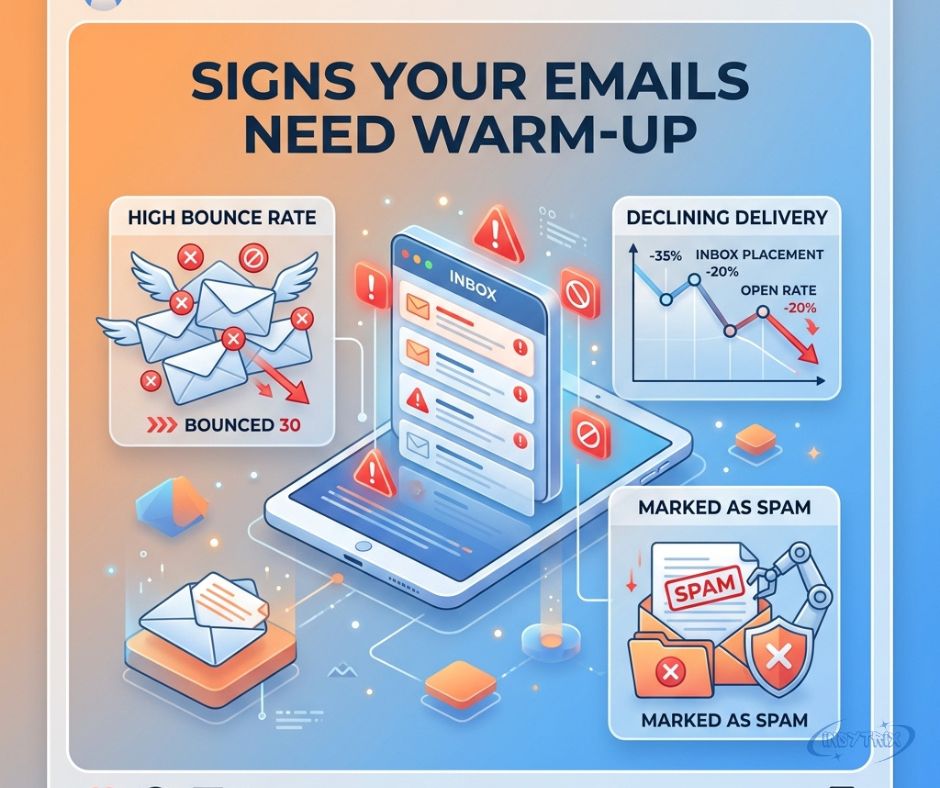
Skipping authentication setup ranks as the most damaging mistake senders make. No amount of warm-up activity compensates for missing SPF or DKIM records, since mailbox providers reject unauthenticated mail regardless of engagement history. Sending to an unverified list compounds the problem, because a high bounce rate signals exactly the kind of risk that Gmail and Outlook are designed to catch.
Ramping volume too aggressively undoes weeks of careful progress in days. Relying only on open rates instead of tracking real replies and spam recovery gives a false sense of security about domain reputation. Stopping warm-up the moment a campaign launches is another common error, since sending infrastructure needs ongoing maintenance, not a one-time fix.
FAQs
How long does email warm-up take?
Most tools recommend two to four weeks for a new domain, though enterprise-level sending infrastructure may need longer depending on target volume.
Is email warm-up necessary in 2026?
Yes. Google’s enforcement of the 0.3% spam rate ceiling and authentication requirements makes warm-up essential for any serious cold email outreach campaign.
Can I warm up multiple inboxes at once?
Most platforms support this, though pricing models vary between per-inbox charges and flat-rate options like Mailivery.
Do free email warm-up tools work?
Free tiers exist but usually cap sending volume or network access, limiting results compared to paid plans.
What’s the difference between warm-up and list verification?
Warm-up builds sender trust over time, while email verification checks whether recipient addresses are valid before sending, reducing bounce rates.
Final Thoughts
Choosing among the best email warm-up tools in 2026 comes down to matching features against real business needs. Warmy suits teams wanting an all-in-one dashboard, while Warmup Inbox fits solo senders watching every dollar. Whatever the pick, pairing warm-up with solid authentication and clean lists remains the only reliable path to strong inbox placement.

Welcome to Insytrix I’ m Habib Saleem, an AI-Powered SEO, and content writer with 3 years of experience.I help websites rank higher, grow traffic, and look amazing. My goal is to make SEO and web design simple and effective for everyone. Let’s achieve more together!














Post Comment